How to Customise Your Tiffin: Roti, Rice and What to Leave Out
By Owala's Kitchen · · 3 min read
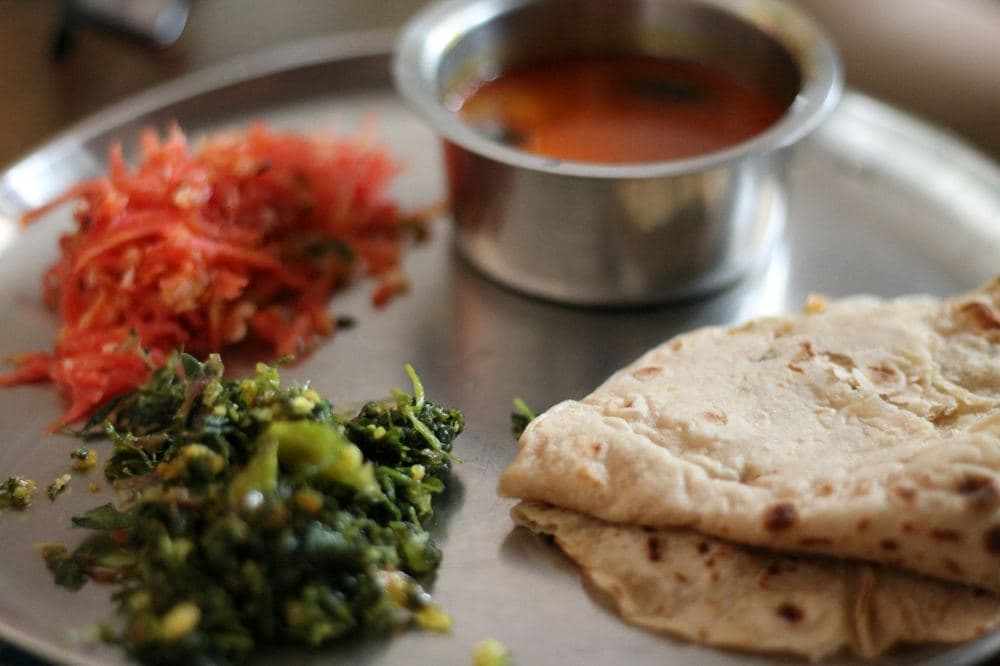
A tiffin only works long term if it fits how you actually eat. Some people want three roti and no rice, some skip sweets on weekdays, and some never touch pickle. Instead of messaging the kitchen every morning, you can save these choices once and every meal is packed that way until you change them. Here is how it works, and how to pick settings you will be happy with for a whole month.
1. Choose your base: rice, roti or both
Every meal starts with a base. You can pick one of three, separately for lunch and for dinner:
- Rice + Roti: the standard thali, with up to 3 roti alongside rice.
- Roti only: no rice, and up to 5 roti instead.
- Rice only: no roti at all, for days when you prefer a lighter, rice-based meal.
2. Set how many roti you want
If your base includes roti, choose the exact number. Many office-goers find 2 roti plus rice is right for lunch and pick 3 or 4 roti with no rice for dinner, when they are hungrier and do not want to feel heavy after rice late in the evening.
Start with what you normally eat at home. If you find yourself leaving roti in the box, reduce the number; wasted food is the first sign your settings need a tweak.
3. Leave out the sides you never eat
A typical thali comes with sides. You can tap to leave out any of these, and they simply will not be packed:
- Curd
- Pickle
- Salad
- Sweets
- Ghee
4. Tell us about dishes you don't like
Besides sides, you can mark whole dishes you would rather avoid, for example a particular sabzi or dal. The kitchen uses this list to avoid giving you those dishes where it can.
On a given day you can also adjust that day's meal: skip one of the two main dishes and get a double portion of the other. This is handy when the menu has one dish you love and one you would not finish.
5. Add your meal time and a delivery note
Tell us roughly when you eat lunch and dinner, and we aim to deliver at or before that time within the delivery windows (lunch 11:00 AM to 1:30 PM, dinner 7:00 PM to 9:30 PM).
You can also choose how the box is handed over: left with the guard or reception, left at your door or desk, or a call so you can come and collect it.
Where to change these settings
Open your account on the website or the Owala's Kitchen app and go to your diet preferences. Lunch and dinner are set side by side, and the changes apply to every upcoming meal. Need something unusual? Message us on WhatsApp and we will note it for the kitchen.
Fresh home-style tiffin in Gurugram
Pure veg, delivered daily. Monthly plans from ₹3,874 per month*
*Based on 26 meals a month at ₹149 each. Your total depends on the meals and days you choose.